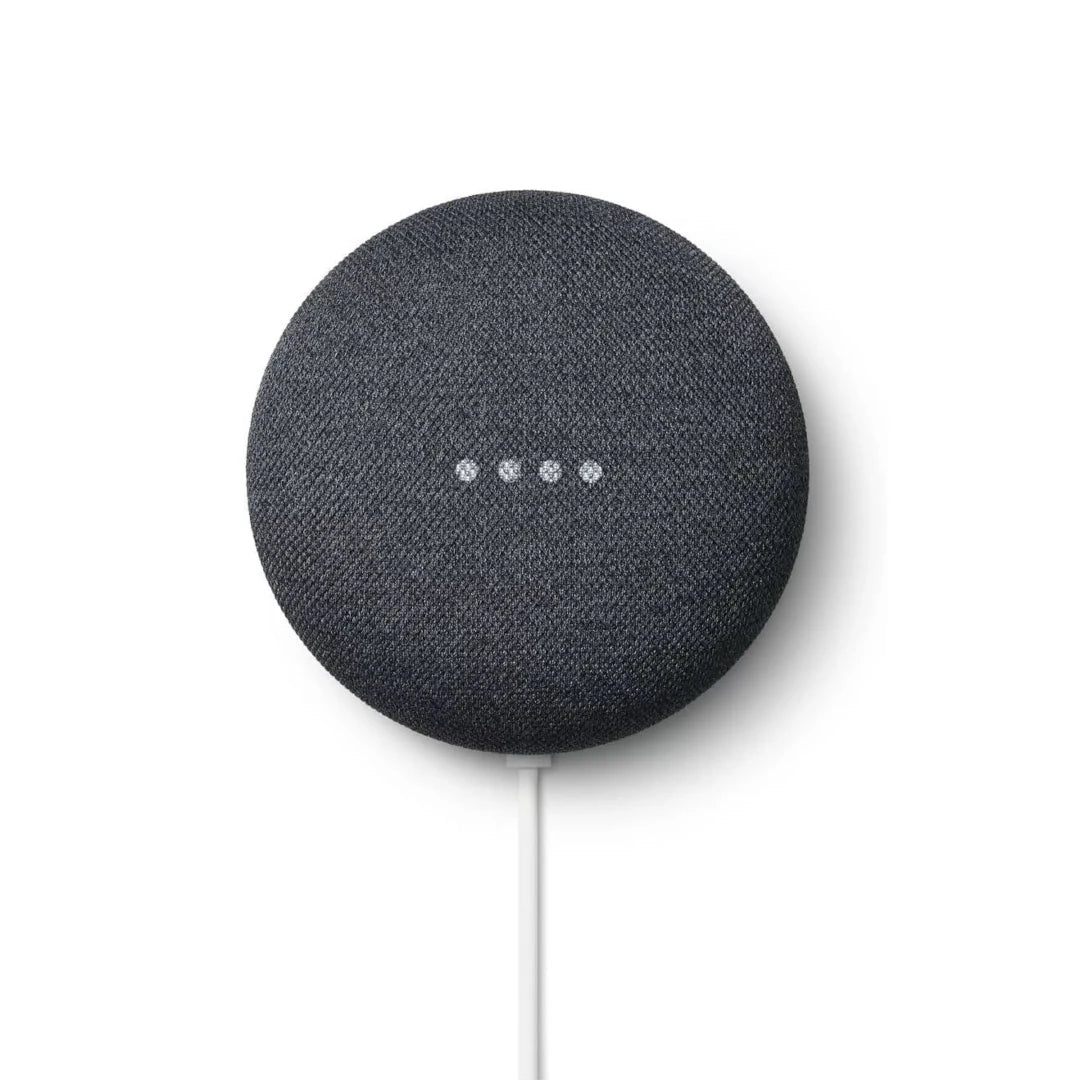
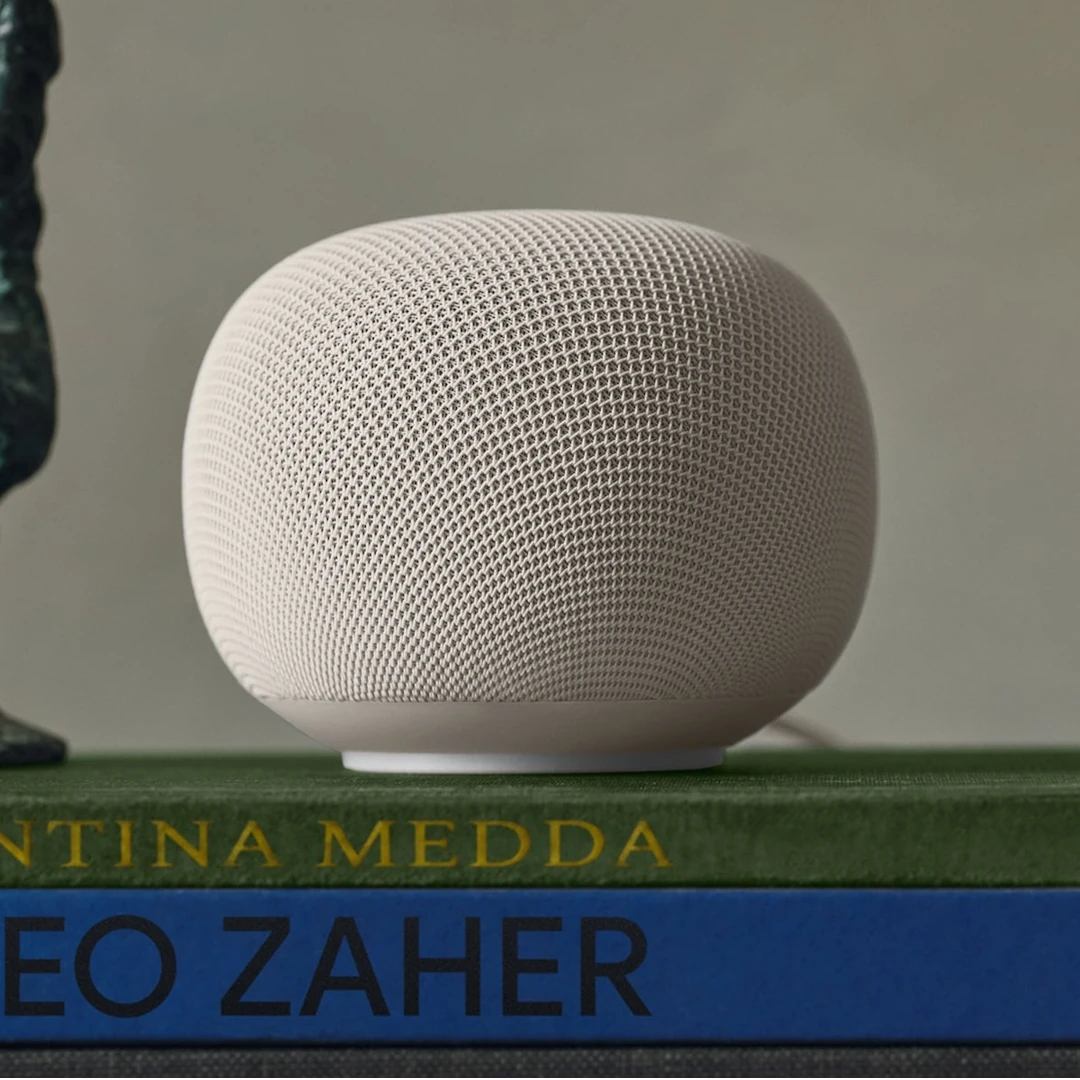
They will set up the Google Home app, connect other services for music, radio, podcasts, TV and controlling other tech in your home. They will fine tune the settings for your home, and take the time to explain how to use your Google device with confidence, including useful voice commands.
App Set Up For You
Your local Technologist will:
Guide you through registering for an Google Home Account
Set up the Google Home app on your phone(s)
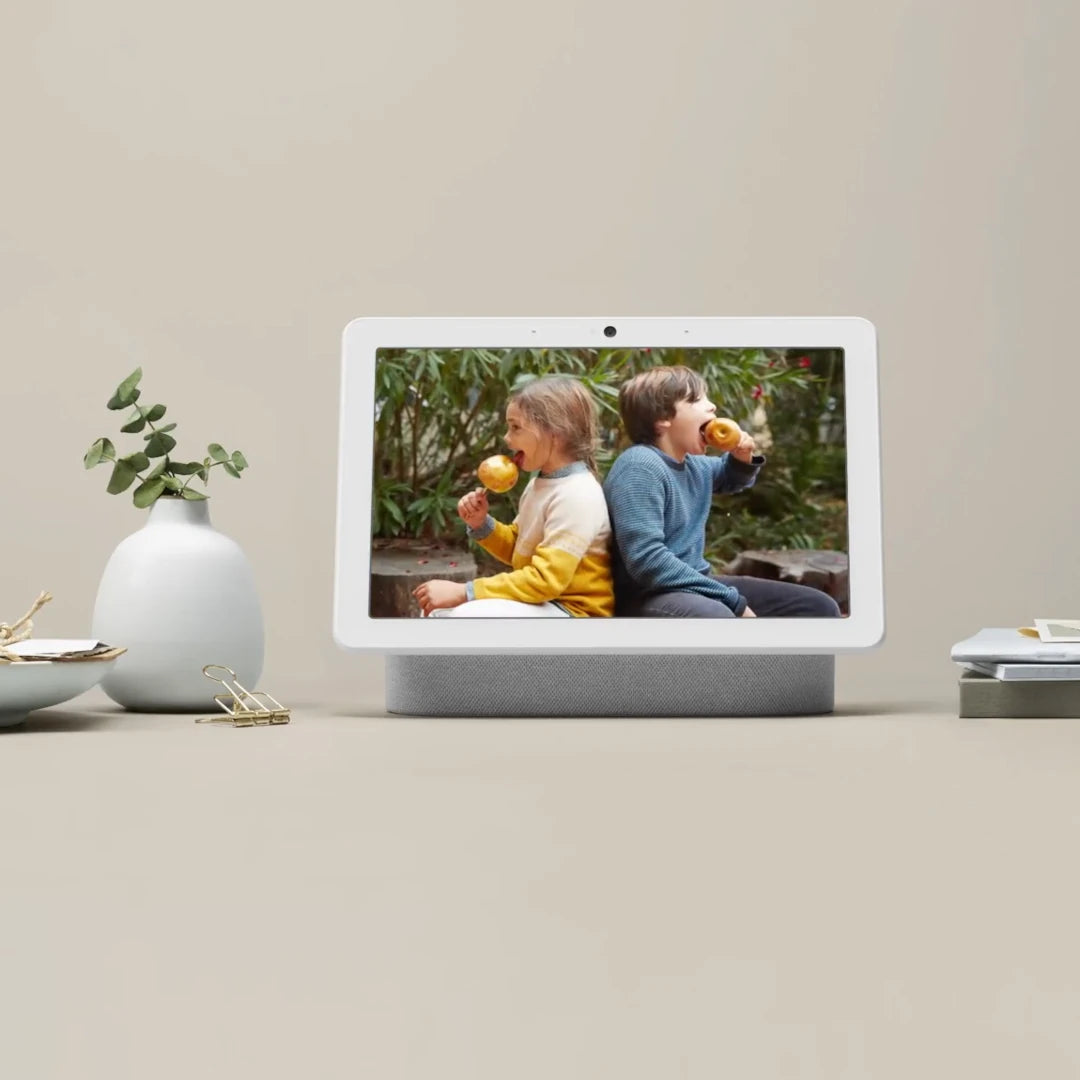
For Smart Displays - connect your Google Photos if you want to use it as a digital photo frame (our customers love this feature)
Connect other services such as for music, radio, podcasts, TV and controlling other tech in your home
Connect any Nest Doorbells or Cameras you have, for notifications and to view live video if you have a display
They will fine tune the settings for your home
Test to ensure everything works as intended
Tech Explanation - Jargon Free
Every Installation & Setup Service comes with an easy to understand Tech Explanation. Your Technologist will show you:
How to view and control your device in the Google Home app
How to play music, set timers, and get answers with voice commands
How to control other tech in your home, such as smart lights or thermostats
We'll email you to confirm device and installation details
Choose the Technologist, time and date that works best for you.
You can also add notes with any questions you have when submitting your installation request.
Next Day Appointments Available
We have Technologists available most days, including evenings and weekends. If you Request an Installation before 5pm then we may be able to offer you an appointment for the next day.
Choose Hourly Installation Slots
We offer hourly installation slots, so you'll know exactly when your appointment will happen.
Easy Payment
After your setup service we'll send you a safe card payment link to pay for your service at the fixed prices above.
We're Here To Help
We know tech can be confusing, we're here to help.
Whether you want advice on which tech to buy, want to know more about how our services more, or have any other questions - please get in touch.
About Your Installation Service
Things Your Technologist Will Need From You
Please have the doorbell you bought ready with all parts it came with
Your WiFi name and password (you must have working WiFi, see below for more info)
Some of your time, so we can agree install locations, download the app on your phone and register your account (as well as the same for anyone else who needs to be set up)
Your phone will be needed while the doorbell is set up and tested
Some of your time once install and set up has been done, so we can show you how it all works and ensure you're confident and happy
WiFi Requirement
Smart Cameras need a reliable internet connection to work
Most UK homes have fast enough WiFi, but if you're unsure have a look at our guide to WiFi
Device Not Included
As we are a service-only business, please remember to buy your device from your preferred retailer first.
I recently had Happy Smart Homes help me install a camera system to our house. I was thoroughly impressed with the level of service they provided. Alex installed the devices and was incredibly patient and thorough. He went above and beyond to ensure I was happy with everything and confident using all the features. He then helped me with a separate issue, unrelated to my original booking. I cannot recommend them highly enough.
— JJ
I received first class service from both Luke and Daniel for the installation of my ring doorbell. It was my first experience of this type of bell and Luke explained everything he was doing very clearly. I had a problem receiving the messages directly to my phone a few hours after installation and Daniel was very quick and efficient at helping me solve the issue. I would highly recommend Happy Smart Homes
— Geraldine Hayes
Fantastic service - Alex installed new ring doorbell which was more complicated than I realised. He explained everything in detail and it works perfectly now. Great service - would use again and recommend.
— Chris Evans
I am very happy to have found Happy Smart Homes. Alex came and fixed my Mum’s ring doorbell and was so patient explaining to her (and me) how it all worked and setting it up how she wanted. Highly recommend the company and will certainly contact them in the future for other jobs.
— Louise
Daniel and Lloyd have installed my Eufy cameras and I was very happy with their work. It was good to get it done so quickly. I would recommend Happy Smart Homes.
— Oliver Klott
Many thanks to Daniel and Luke for their help with installing the Eufy doorbell for us. Would highly recommend their service!
— H.S.
I never leave reviews, but when customer service these days is at an all time low, you have to shout out those people who go above and beyond.
I’m fairly good with tech, but Dan sat down to go through everything and made sure it all works before leaving.
— Nick Castle
Happy Smart Homes have just completed a complex Ring doorbell and Chime, Ring Spotlight Camera and Echo Show installation (all configured into existing mains) at my in-laws home (they are in their 90’s and pretty infirm and not at all tech savvy). This really was a 5 star service and I can highly recommend them to all. Thank you Happy Smart Homes.
— Bob Evans
Outstanding service from start to finish. Daniel provided comprehensive guidance and product recommendations to help us make an informed decision, even before putting pen to paper. The day of installation was extremely smooth, queries answered and all devices setup and commissioned without snags. Would recommend to anyone looking for professional, home security installations.
Google Nest Smart Speakers and Displays are very popular for good reason. The convenience of asking for something and getting an immediate answer is truly brilliant.
Play music and radio, get the weather forecast, search Google, set timers and so much more.
Smart Displays can be controlled with your voice or by touch. They can show you the live video from Nest doorbell or cameras, play YouTube, display your Google photos, and much more.
Why should I book a Happy Smart Homes install service?
We know our stuff
We are tech experts – we have smart doorbells, cameras, lights and more in our own homes.
We do it all
From the physical install of your tech, to setting up the apps required on your phone(s), connecting with other tech you own, and testing to ensure it all works as intended.
We believe that technology can benefit everyone, no matter your age or how tech savvy you are.
All installs come with an easy to understand demonstration. We show you how to use your tech, and answer any questions. We’re also available for support after your install.
Our install services are priced based on the time they take to complete, which is usually determined by the type of install (e.g. battery power is quicker as no cables are quired). We pay our Technologists a fair rate to ensure you receive a good service.
Do you install any other tech?
Our services are for the most popular tech, if you need any other smart home tech installing please contact us.
I want multiple devices to be installed, how do I book this?
Please add multiple Install Services to your cart then checkout.
If you can’t find what you’re looking for please please contact us for help.
How long does install take?
Install time varies by Install & Power Type. Typical times are 1 hour for a battery doorbell, and 2.5 hours for a plug in doorbell. Once you've picked your Technologist you can ask them for more information.
What happens if something stops working?
You’re protected by our Make it Right Policy. If something stops working, please contact your Technologist who will be able to help.
Choosing a selection results in a full page refresh.