
Install Options Guide
Some tech has multiple options for installation, for example a Ring Doorbell that has a battery can also be powered from a plug socket for continuous power.
This page explains these options!
If you're ever in doubt, just contact us. We'll help with expert advice.
On this page:
- Doorbells - Install & Power Type
- Cameras - Install & Power Type
Smart Doorbell Options
Install & Power Type
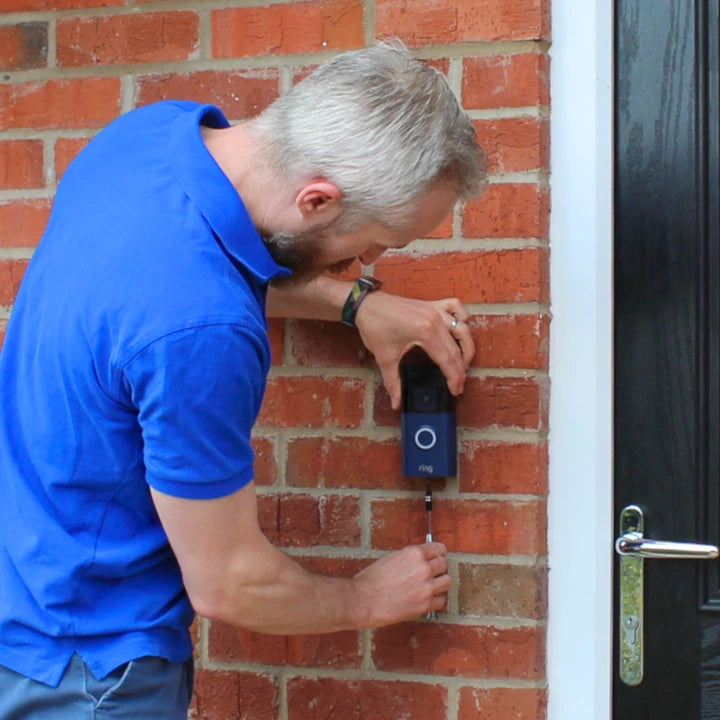
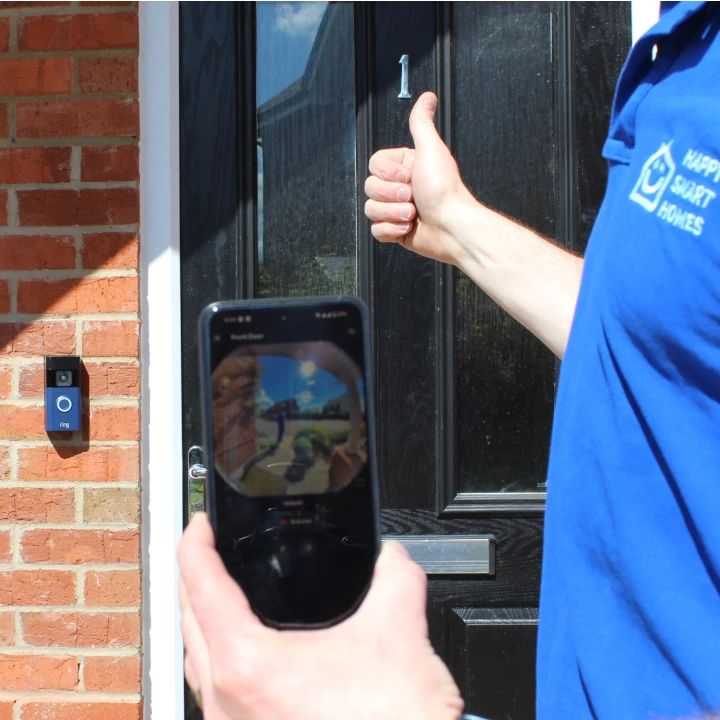
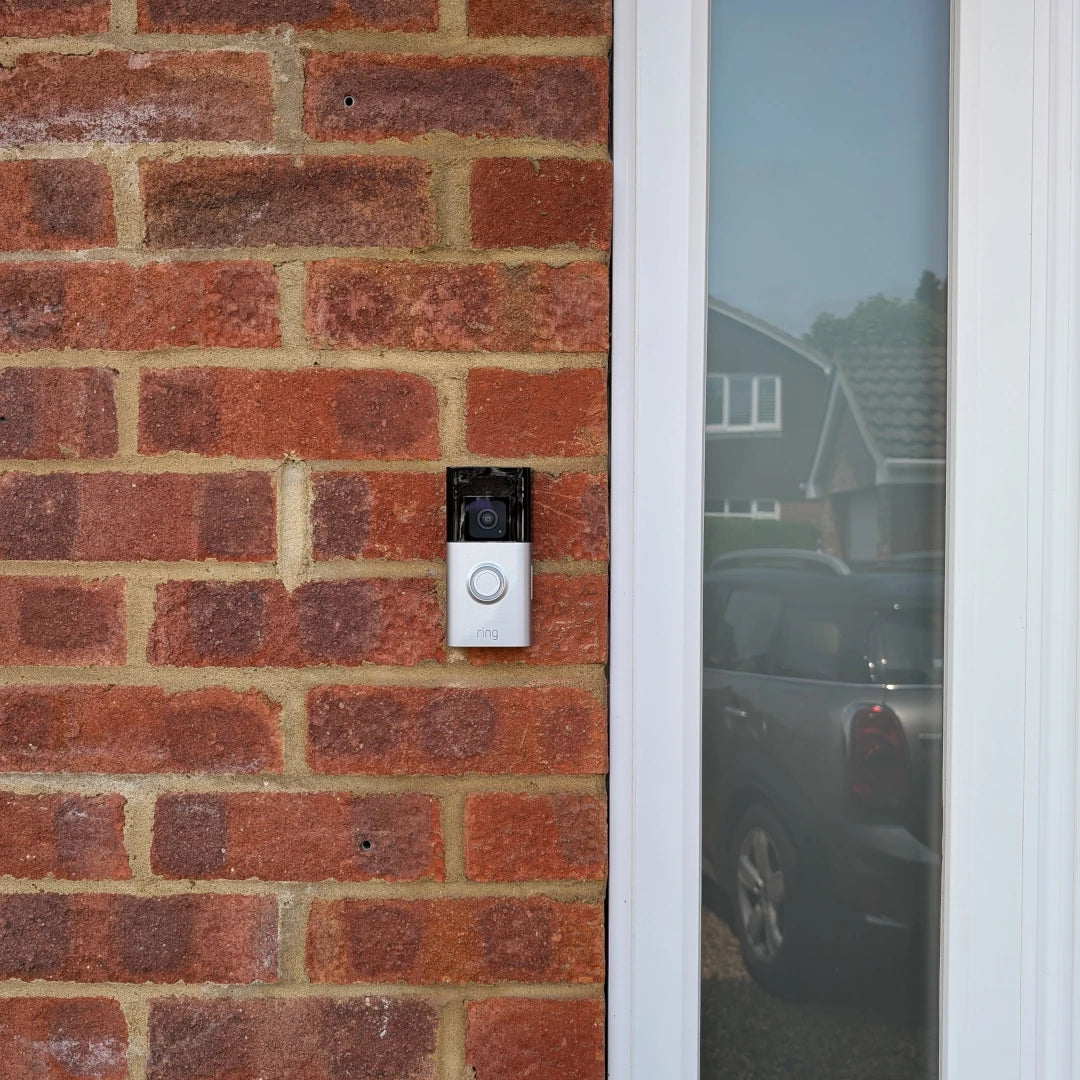
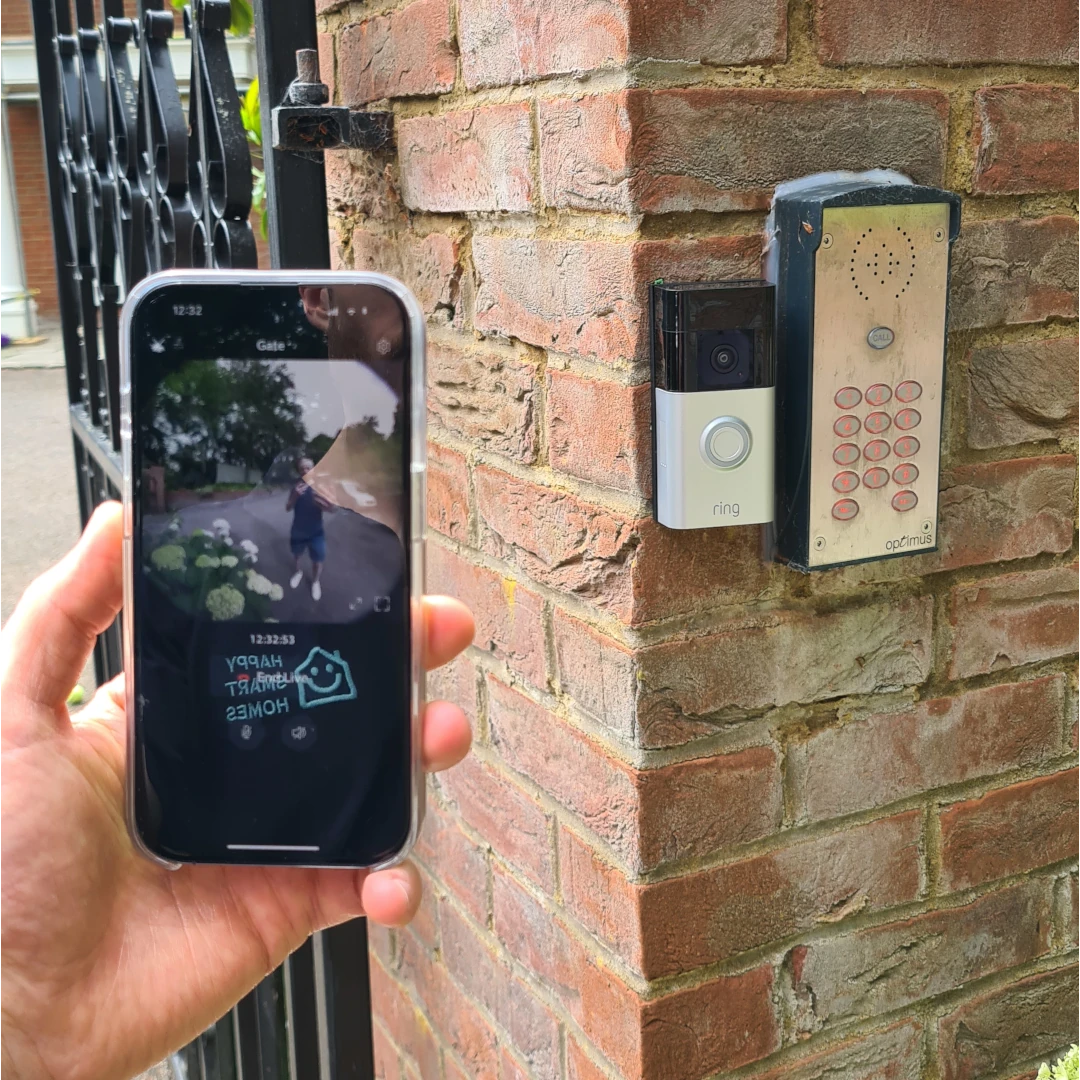
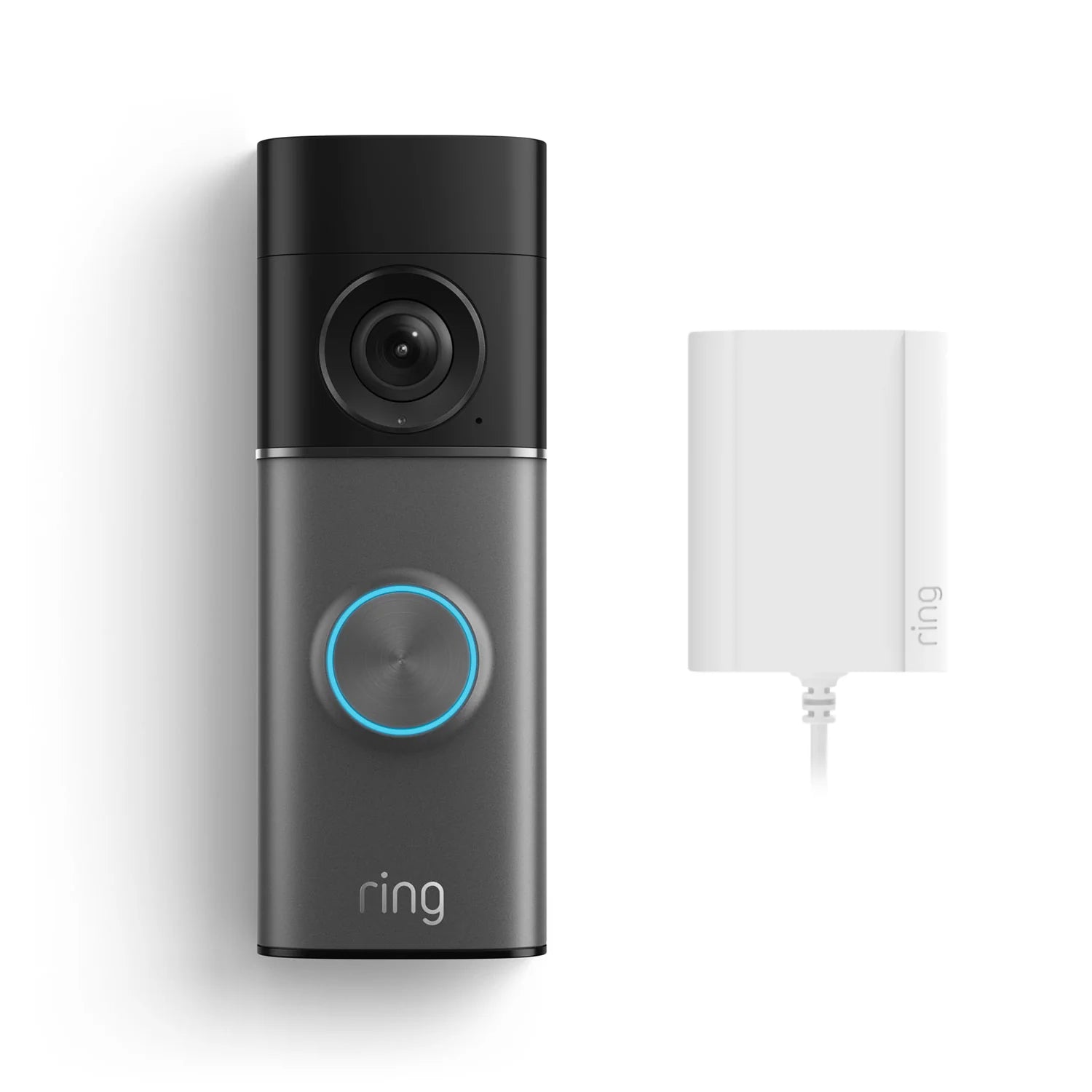
There are 2 types of doorbell when it comes to power. Battery powered doorbells, like the Ring Battery Doorbell Plus, which can be recharged. And wired doorbells, like the Ring Wired Pro, which requires continuous wired power.
Some Eufy doorbells need the Eufy HomeBase to work, so this is also an option if you're booking a Eufy doorbell installation service.
"Battery Powered" Option
This is the simplest installation, which means it's a cheaper service for you. A battery powered doorbell can be installed anywhere (as long as it's in WiFi range). But you will need to recharge the battery occasionally, sometimes as frequently as every 2 weeks if you live in a busy area. Unfortunately batteries rarely last as long as manufacturers say they do!
If you have a battery powered doorbell from Ring, Eufy or Nest, or the Tapo D235 doorbell, then you can choose Battery or Plug Powered. If you choose Plug Powered then the wires will keep the battery topped up, saving you the hassle of recharging.
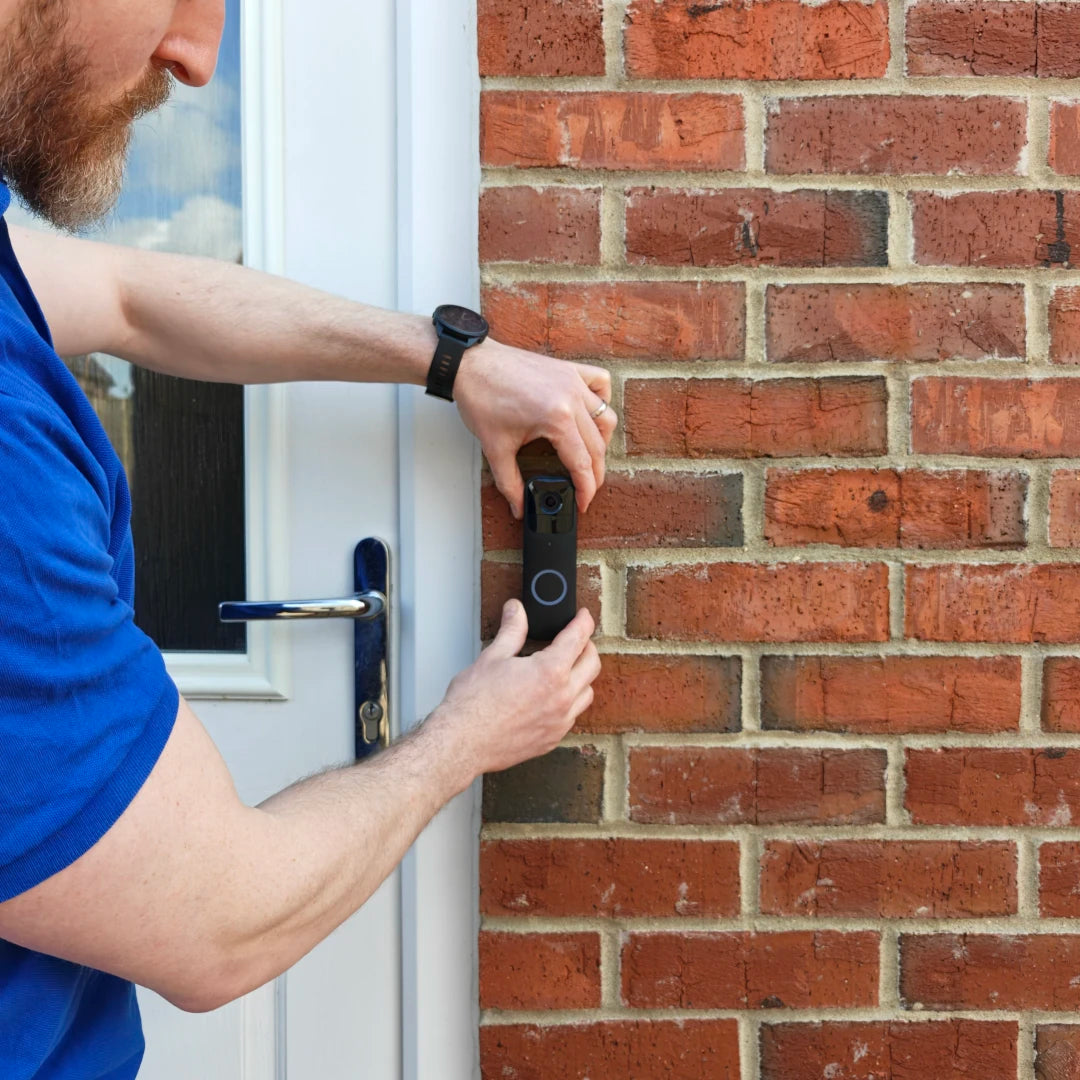
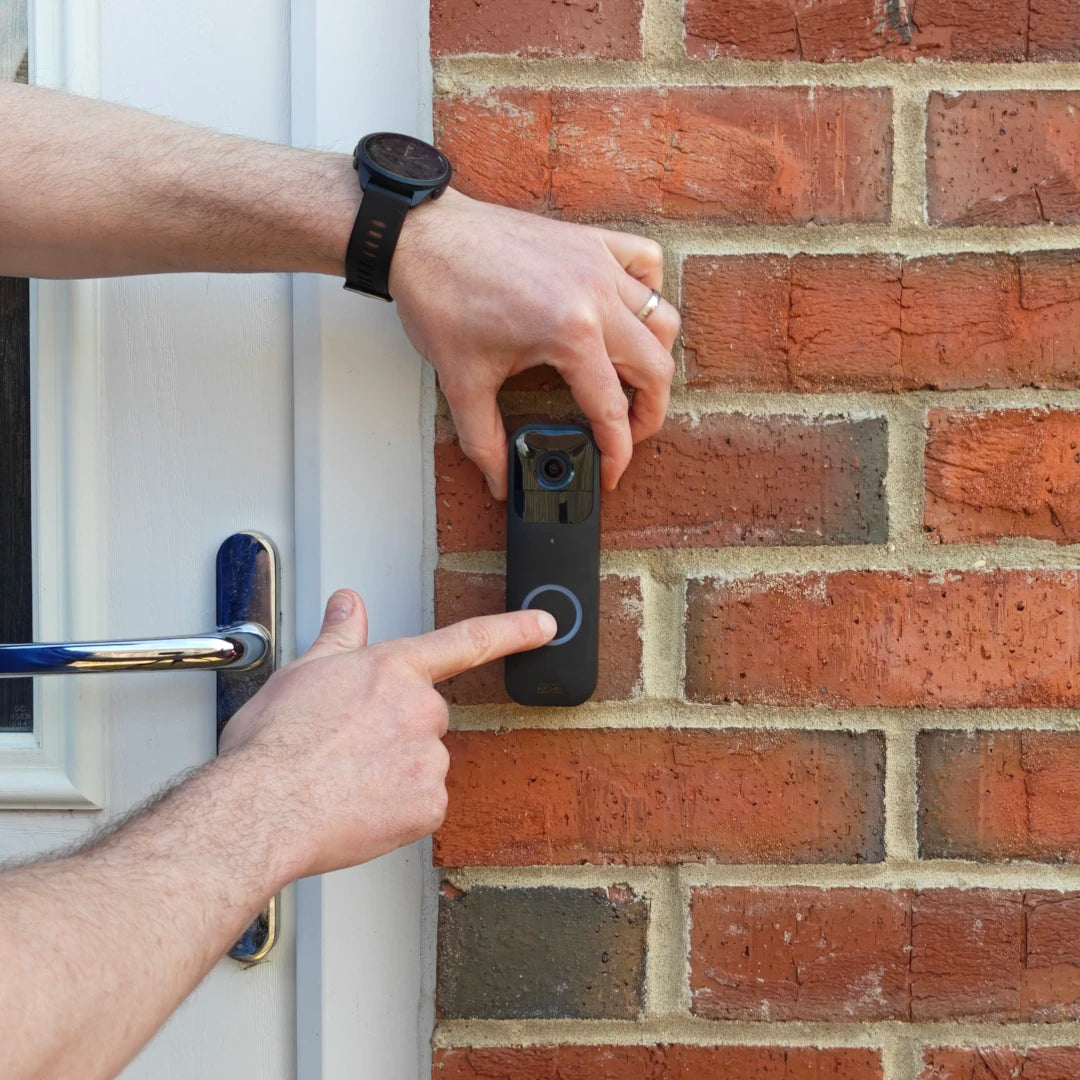
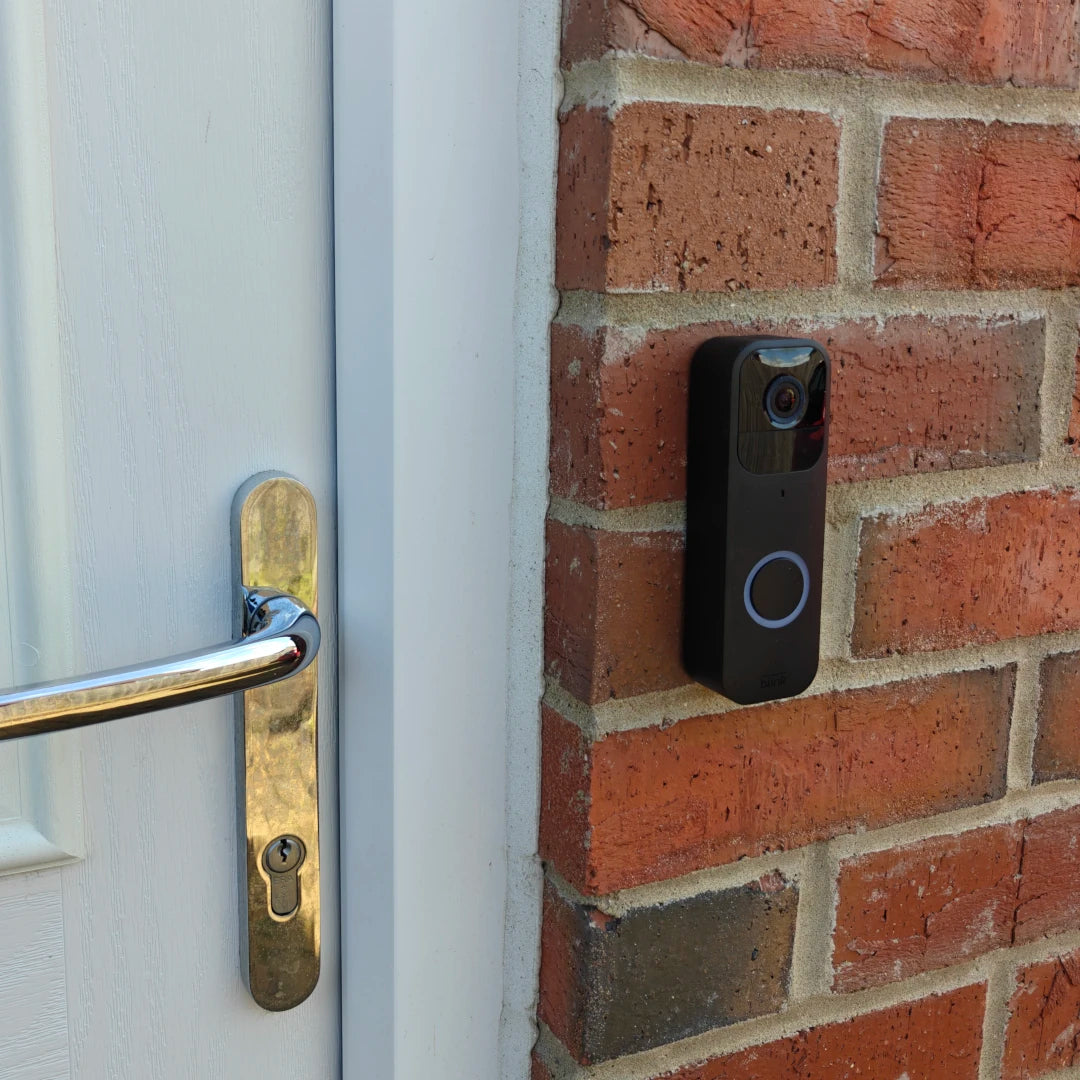
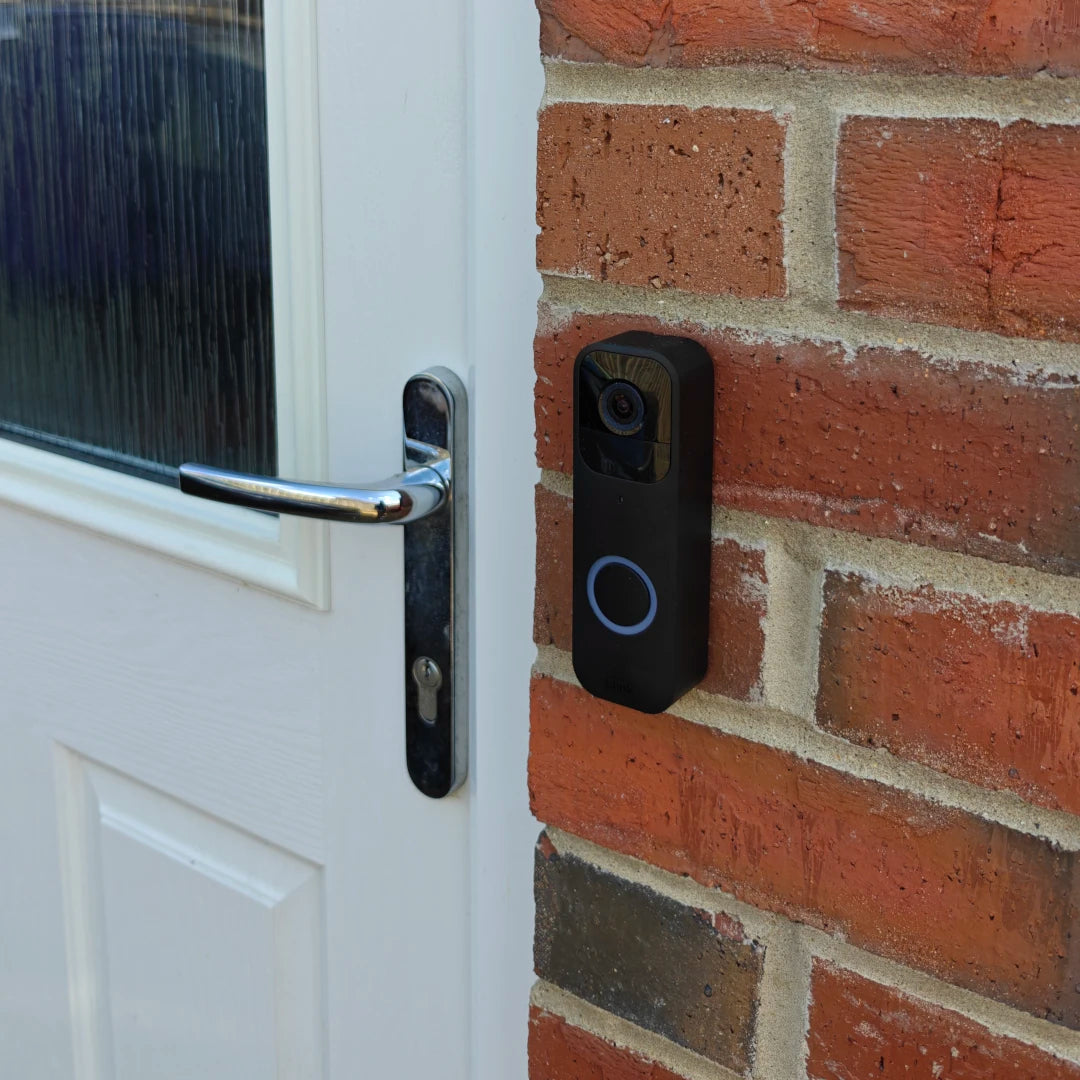
Some battery doorbells, like the Blink Doorbell or the Tapo TD21 can only run on battery power. If in doubt please check the product info on the manufacturer's website, or contact us.
Plug Powered Option
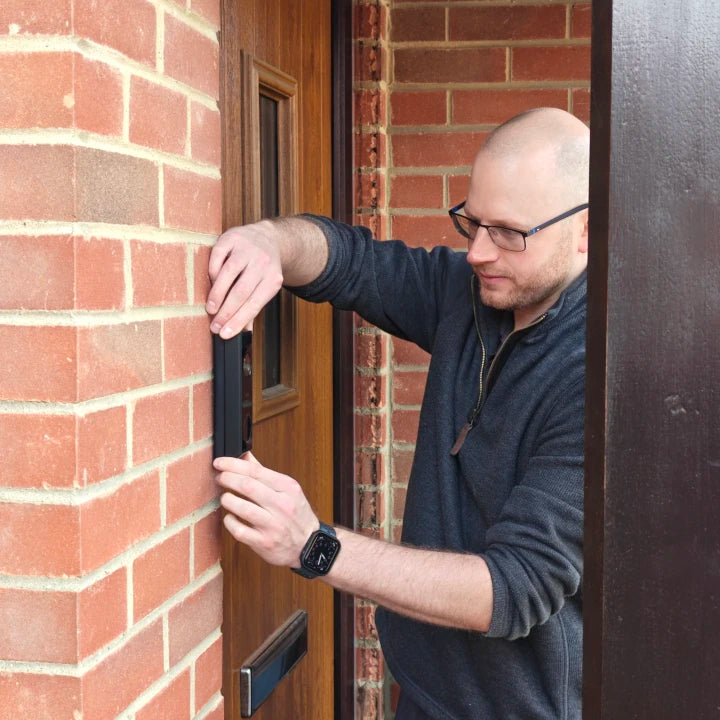
You'll need to choose the "Plug Powered" option for any doorbell that says "wired", like the Ring Wired Doorbell. Your Technologist will connect the doorbell to a plug socket near your front door for continuous power, using a plug adapter.
This requires a plug socket within 3 metres of your front door. The cable will be run along the inside of your home from the socket, along the skirting board and up the wall, so will remain visible. It will involve drilling through your wall or door frame to take the wire to the doorbell.
We recommend Plug In power whenever it's possible, including for battery doorbells from Ring, Eufy or Nest, or the Tapo D235 doorbell. This is because batteries rarely last as long as advertised, and recharging them quite quickly becomes an annoyance you'd rather live without.
Eufy Doorbell "HomeBase Set Up" option
Pick this option if your Eufy doorbell came with a HomeBase, or if you've bought a HomeBase to add storage for your Eufy doorbell. The Eufy S330 Doorbell requires a HomeBase, for example.
Your Technologist will set up your HomeBase so that your doorbell can store video on it. This includes installing a compatible hard drive if you've bought one to expand your HomeBase storage.
Security Camera Options
Install & Power Type
For all security cameras there are 3 types of power source: Battery (including solar), Plug In, and Hardwired.
Some Eufy cameras need the Eufy HomeBase to work, so this is also an option if you're booking a Eufy camera installation service.
These are the options you have for your security camera installation (and more info below):
- Battery - for battery-powered cameras and cameras with a built in solar panel (estimated install time: 1 hour)
- Battery + Solar - for battery-powered cameras that come with a separate solar panel (estimated install time: 1.5 hours)
- Plug In - for cameras that come with a plug adapter for power (estimated install time: 2.5 hours)
- HomeBase Set Up - Eufy only - some Eufy cameras require a HomeBase so are typically be sold with one, you can also connect a HomeBase to other Eufy cameras for more video storage (adds 0.5 hours to estimated install time)
Camera "Battery" power option
The simplest camera installation, so a cheaper service for you. Battery cameras (like the Ring Spotlight) can be installed anywhere (as long as it's in WiFi range). But you will need to recharge the battery occasionally - easier with Ring cameras and their quick swap batteries, than cameras with built-in batteries that need to come off the wall to be charged.
Cameras with built in solar panels like the excellent Eufy S3 Pro keep their battery topped up from sunlight, but effectiveness will depend on how sunny their location is, how busy the camera is, and the weather!
All outdoor Ring cameras except the Floodlight come in both Battery and Plug In options.
Camera "Battery + Solar" power option
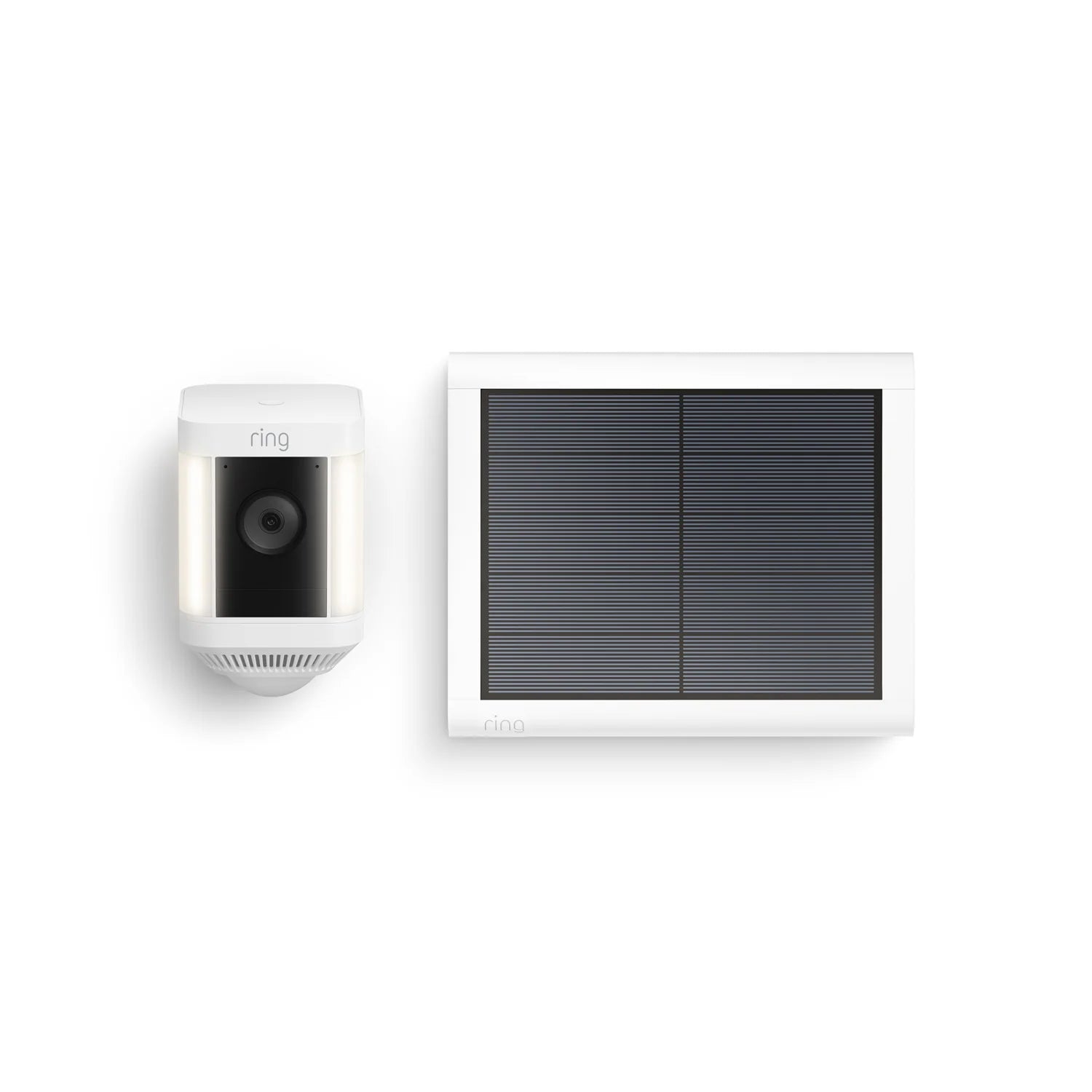
If your camera comes with a separate solar panel (rather than one built into the camera itself), then pick this option.
Your Technologist will mount the solar panel in the best possible location for light, within reach of your camera.
Excellent examples include the Eufy S340 SoloCam and the Ring Spotlight Cam Pro Solar.
Camera "Plug In" power option
Pick this option if your camera comes with a plug adapter for a plug socket. For example the Tapo 3k Pan/Tilt/Zoom Camera, the Eufy E330 Professional, or the Ring Spotlight Pro Cam Plug In.
Your Technologist will connect the camera to a plug socket on the inside of your home, near where you want your camera installed. This will involve drilling through your wall to take the wire to the camera, and the cable will usually be visible inside and outside.
Eufy Camera "HomeBase Set Up" option
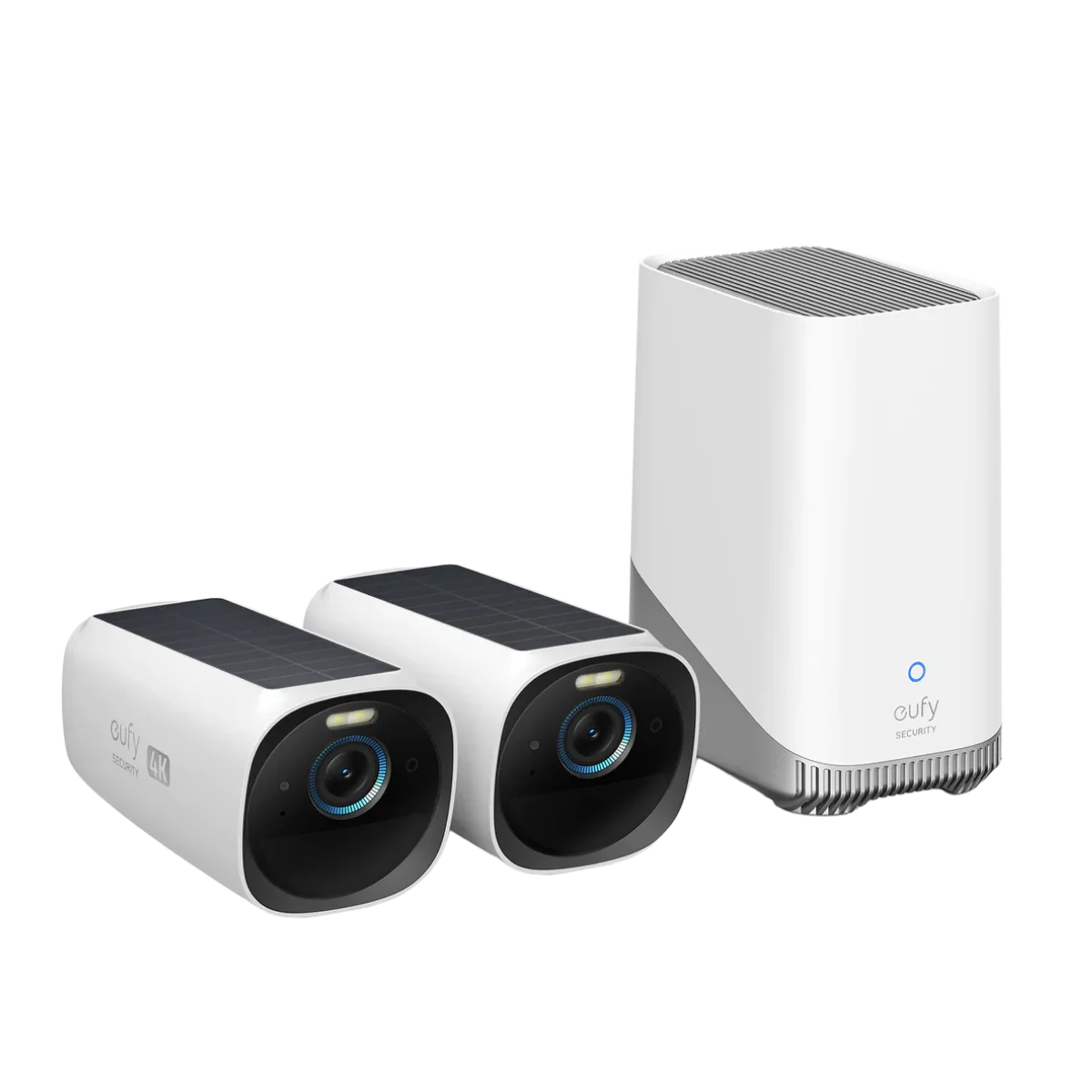
Pick this option if your Eufy camera came with a HomeBase, or if you've bought a HomeBase to add storage for your Eufy cameras. The S330 Solar Cameras require a HomeBase, for example.
Your Technologist will set up your HomeBase so that your camera can store video on it. This includes installing a compatible hard drive if you've bought one to expand your HomeBase storage.
Hopefully this answers any questions you might have, but if you're still unsure please just contact us on info@happysmarthomes.com and we'll be happy to help.