
Happy Smart Homes WiFi Guide
A Simple Explanation of What You Need to Know About WiFi
Why do video calls keep dropping? Why does my Ring Doorbell video look fuzzy? Why won't my phone connect to my WiFi?!
Your tech needs a reliable connection to the internet to work properly, and that usually means good home WiFi. But what does "good WiFi" actually mean? Don't worry, it's simpler than you might think! This guide will quickly explain what you need to know.
What Exactly is WiFi?
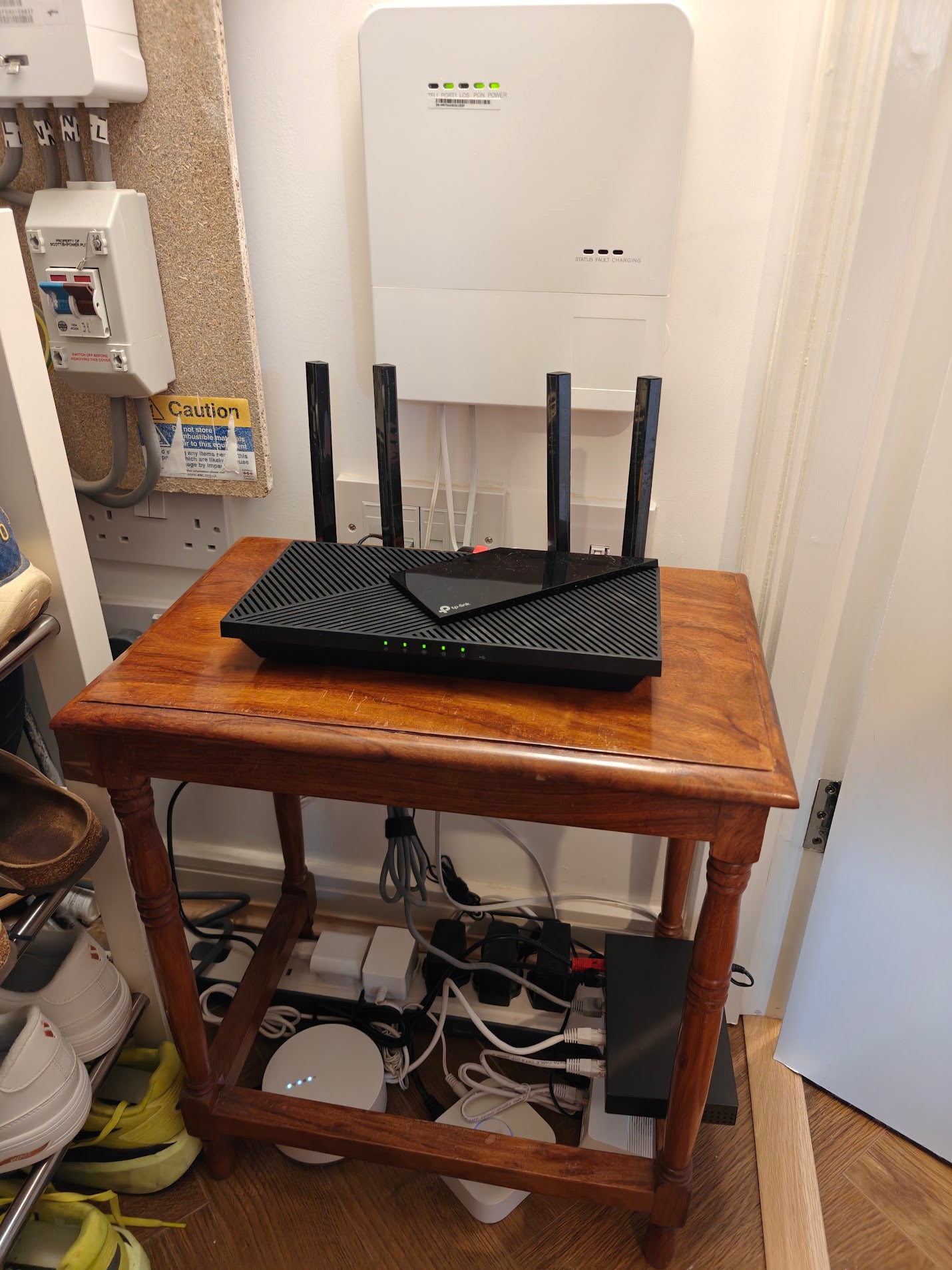
Picture the internet coming into your home like water through a pipe. Your WiFi router is like a sprinkler that sprays that internet connection around your home. Anything in your home that needs the internet (like smart tech, or your phone or laptop) either needs the sprinkler (router) to reach them via WiFi, or needs to be plugged directly into it.
There are two main factors that affect the internet connection your device receives:
- Internet Speed (Bandwidth): The amount of internet data coming into your house overall (the size of the water pipe).
- WiFi Coverage/Strength: How well the internet reaches the specific spot where your device is (the reach of your "sprinkler").

1. Checking Your Internet Speed (The "Pipe Size") 📏
This is the total speed your Internet Service Provider (like BT, Virgin Media, Sky etc.) delivers to your home. It's shared by everything connected to the internet.
How to Test: The easiest way is to use your phone whilst stood as close as possible to your router, and type "speed test" into Google, then hit "run speed test" and wait for the result. Alternatively you can use a website like fast.com which will run a test for you.
What Do The Numbers Mean:
- Your Download Speed will show as a number, typically followed by Mbps, 60-70 Mbps is average in the UK. This is how fast the internet comes into your home. Download Speed is used whenever someone in your home is streaming TV, watching videos, browsing the internet, scrolling on social media, on a video call or playing computer games.
- Your Upload Speed will also show as a number followed by Mbps, and is usually lower than your Download Speed. This is the speed information is sent back out to the internet. It's used whenever you post something on social media, upload photos or videos (for example to icloud or Google Photos), and when on video calls and playing computer games.
- Latency is mainly important for playing computer games, where the time between an action and a response makes a difference, but it's not so important for general internet use

What Speed Do I Need?
If you have more than one person or multiple devices in your home that use the internet, ideally you need an average Download Speed of 60-70 Mbps, and an upload speed of at least 20 Mbps. This will allow multiple devices to Download and Upload simultaneously.
If your home uses the internet a lot and at the same time - for example streaming 4k videos, lots of security cameras recording, people on video calls, playing games, and watching or posting on social media, then you'll need faster Internet Speed to cope with this - ideally 150+ Mbps Download Speed and 75+ Mbps Upload Speed.
BUT if your internet speed is high enough, and you're still having connection problems on certain devices or in certain rooms, then your WiFi Coverage might be the problem.
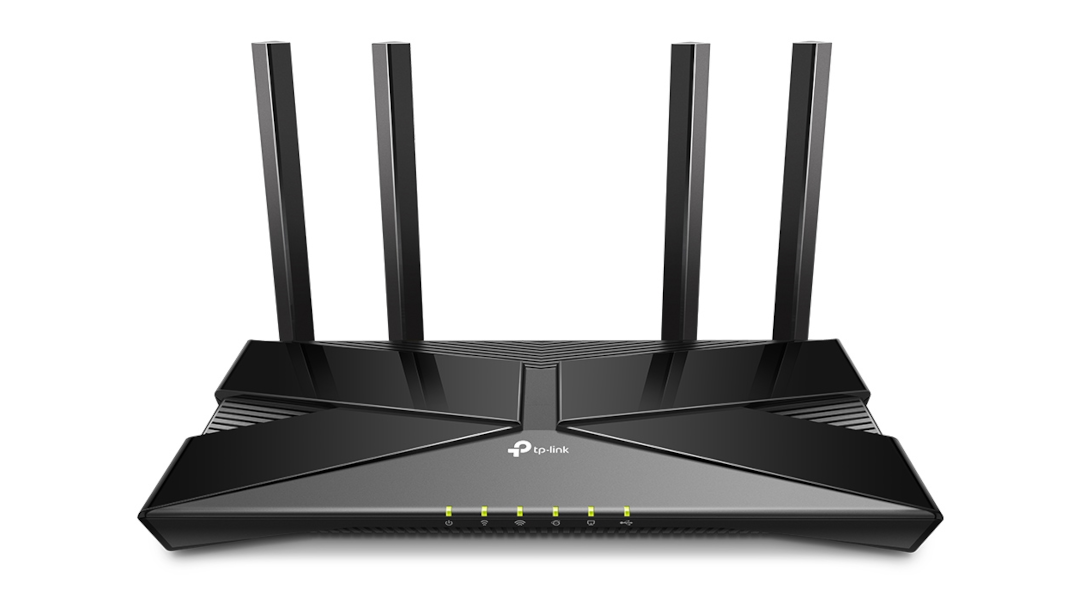
2. Checking WiFi Coverage Where It Matters (The "Sprinkler Reach") 📶
Even with fast internet coming into your home, the WiFi signal still needs to be strong enough where your devices are.
- What Blocks WiFi? it struggles to get through thick walls (especially stone or concrete), metal objects (like fridges or boilers), and will also lose strength over distance.
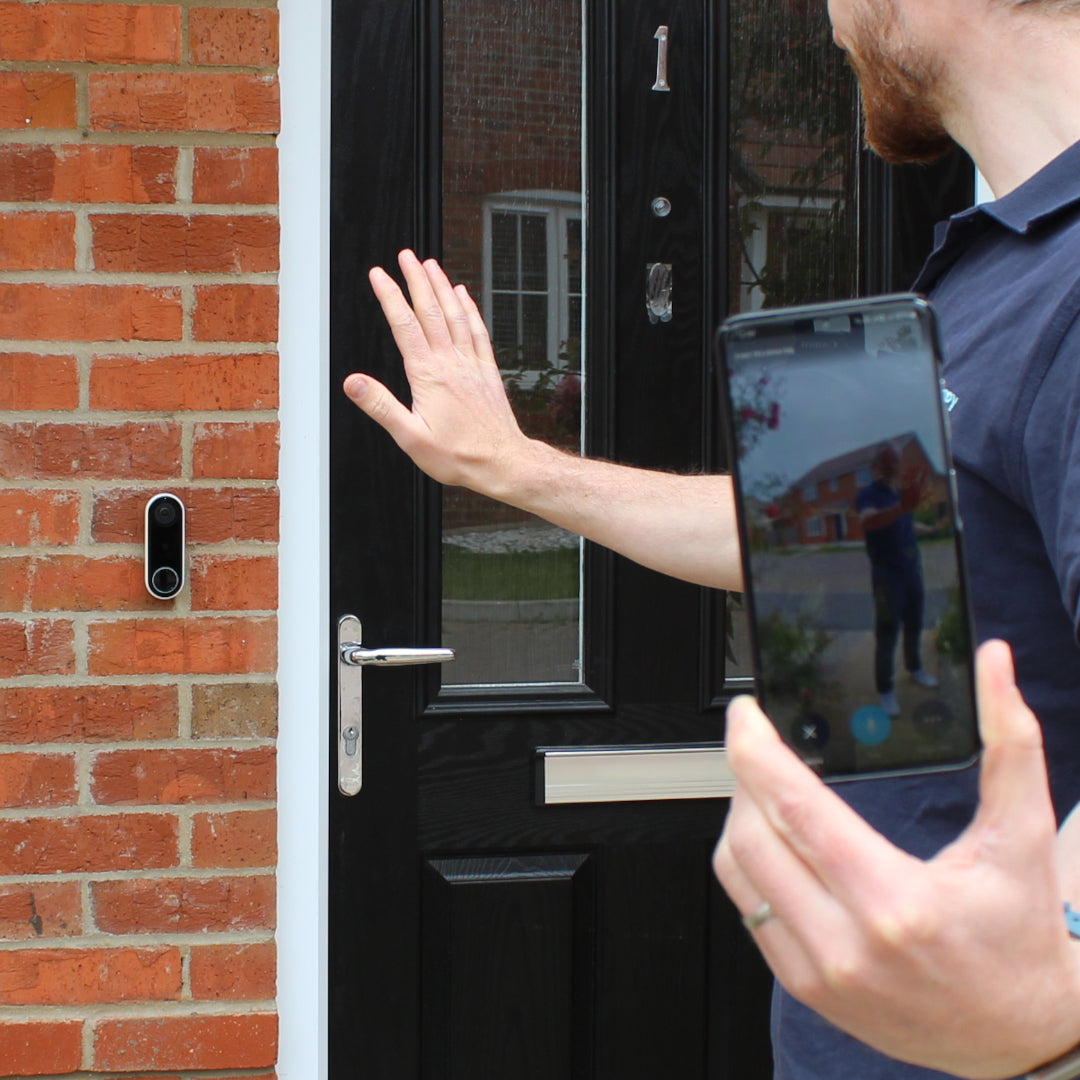
- How to Test in Location: The best way is to use your phone. Make sure you're connected to your home WiFi. Stand right where you want your device installed (e.g. outside your front door with the door closed for a doorbell). Type "speed test" into Google, then hit "run speed test" and wait for the result. Alternatively you can try a website like fast.com which will run a test for you.
For example, if you know your Internet Speed is 70 Mbps when stood next to your router, but when stood outside your front door it drops to 1 or 2 Mbps, then your WiFi Coverage is the problem, the signal isn't strong enough where your doorbell needs it.
How Much Speed Does Your Tech Actually Use? 🤔
Most smart home devices use surprisingly little internet speed (Download or Upload) continuously. However, some need more, especially when actively doing something (like streaming video).
Here are some rough estimates (the manufacturer e.g. Ring, Eufy should give you exact numbers):
- Smart Plugs, Bulbs, Thermostats: Very low, far less than 1 Mbps Download.
- Smart Speakers (for music streaming): Around 1-5 Mbps Download while playing music.
- Video Doorbells & Security Cameras (HD): Uses both Download and Upload speeds. 2-5 Mbps per camera when streaming or recording.
- 4K Doorbells & Security Cameras: Higher quality video means 10-25 Mbps Download and Upload speed while streaming or recording.
- Video Calls, Scrolling Social Media, and streaming HD: 5-10 Mbps Download, Video Calling uses Upload speed too.
- Online Gaming: Uses around 5-10 Mbps Download, and a little less Upload.

Remember that these all add up, if your internet has a total of 40 Mbps Download Speed but all of your tech is running at once and needs 50 Mbps, everything will run slow.
They also add up in the same place. For example your internet speed is 40 Mbps near your router, but a speed test shows you only get 10 Mbps Download Speed in your living room. In the evening when you've got a TV streaming HD video (5-10 Mbps) and 2 phones scrolling Social Media (up to 5-10 Mbps each at peak), then you might find everything in that room starts to go slow!
The Key Takeaway: If your overall internet speed is fine but you're still having issues with certain devices, it's usually the WiFi signal strength in the device's location that's causing the problem.
What If My Connection Isn't Good Enough? (Don't Panic!) 😊
If you find your internet speed is low overall or your WiFi gets slower in certain places, there are usually simple solutions:
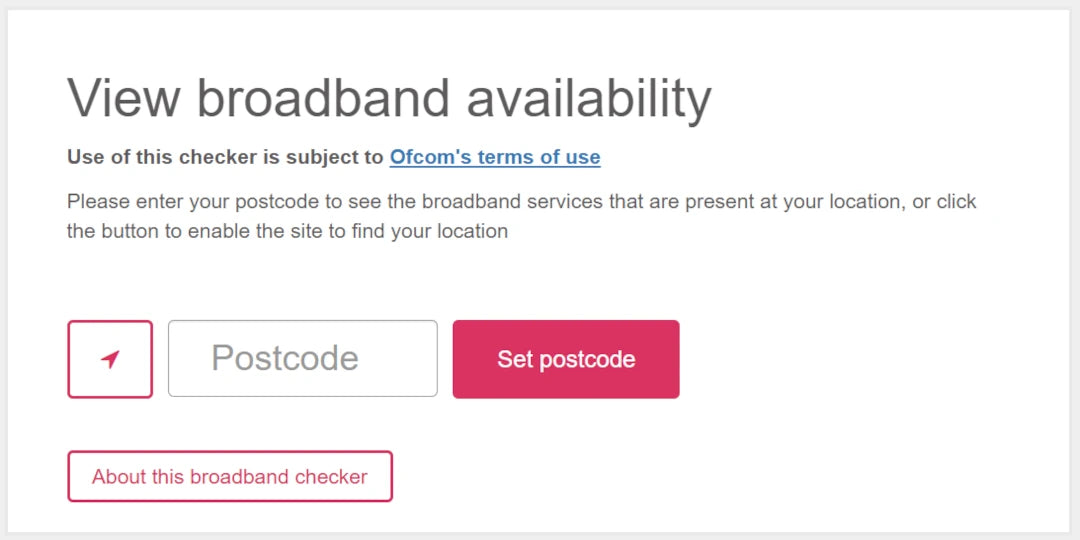
Slow Overall Internet Speed? Contact Your Provider. If the speed next to your Router isn't fast enough, speak to your internet provider (BT, Sky, Virgin etc.). Ask them to check your line and discuss upgrade options. Ofcom allow you to check what type of internet speeds are possible at your address. Uswitch also have a great free price comparison tool providers in your area.
Sometimes a faster option won't be much more expensive, especially if you've not changed in a while.
Poor WiFi Coverage:
- Restart your Router: Yes believe it or not the old "turn it off and on again" technique really can help! Just beware it might take a little while for things to connect again, so pick a sensible time (not just before an important work video call!).
- Speak to your Internet Provider: They'll be able to do some tests remotely to ensure your router is still working properly, and they may even send you a newer more powerful version.
- WiFi Extenders/Boosters: These plug-in devices pick up your existing WiFi signal and repeat it, extending the range. Good for covering one or two specific dead spots. Here's a helpful list of options. We can help get these installed and working properly for you.
- Mesh WiFi: These use multiple units placed around your home to create a seamless, strong WiFi network everywhere. Usually the best (but most expensive) solution for larger homes or those with thick walls. Here are some recommended options. Again, we can help get these working properly for you.
We're Here to Help! 👍
Understanding WiFi can seem tricky, but hopefully, this guide gives you confidence. The main things are checking your Internet Speed and your WiFi Coverage/Strength.
Common Smart Home Tech
What Internet Speed does a Smart Doorbell or Camera use?
If you've got a doorbell or camera that you pay a subscription for (such as a Ring Doorbell), this means your device saves your videos to secure storage elsewhere. To do this your doorbell or camera uses your Upload Speed to send the video out, and when you view the video your phone streams it by using your Download Speed. So it uses both at different times!
HD quality versions (up to 2k ish) use 2-5 Mbps per camera when streaming or recording, while 4K quality versions use 10-25 Mbps.
What WiFi Does a Ring Doorbell Need?
On its own your doorbell (or camera) needs Upload Speed of at least 4 Mbps to ensure it can save video or so that you can stream it live. If you're streaming the video whilst also on your WiFi you'll need a Download Speed of at least 4 Mbps.
If you've got one of the new Ring Doorbells with 4k video, Ring recommend having Upload Speed of at least 15 Mbps for smooth use.